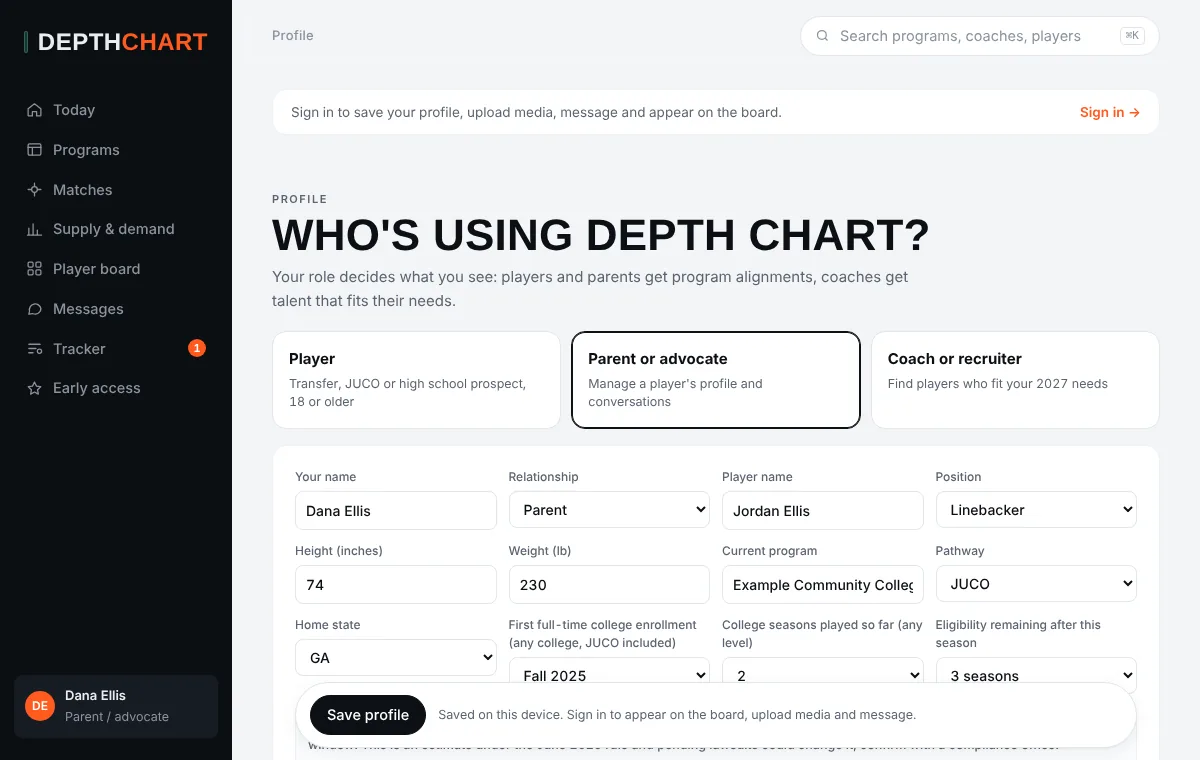
See every FBS, FCS, Division II and Division III position room against its level, find players whose size and path fit yours, and message them or their families directly.
Tap Get started, use the one-time email link, choose Coach, then pick your program and the positions you recruit.
STEP 02
Read your rooms.
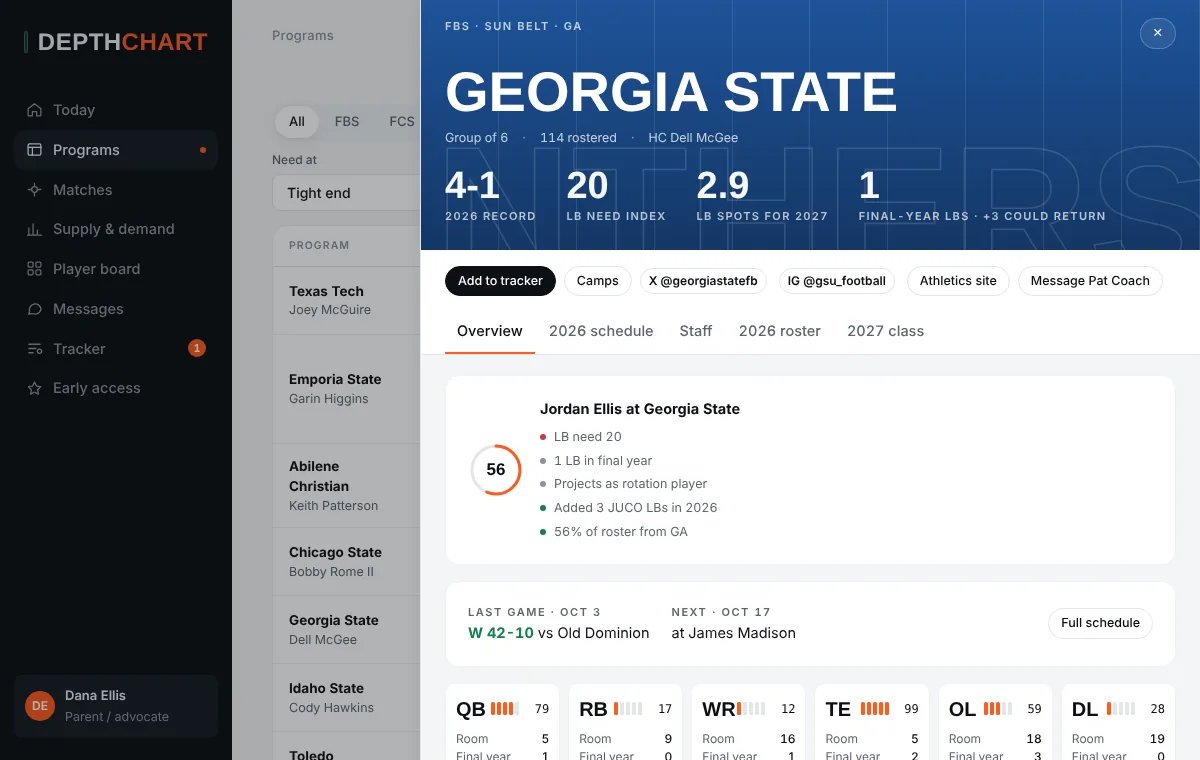
Your program page shows every position: room size, players in their final season, those who could return under 5-in-5, projected 2027 spots and room strength.
STEP 03
Check the roster.
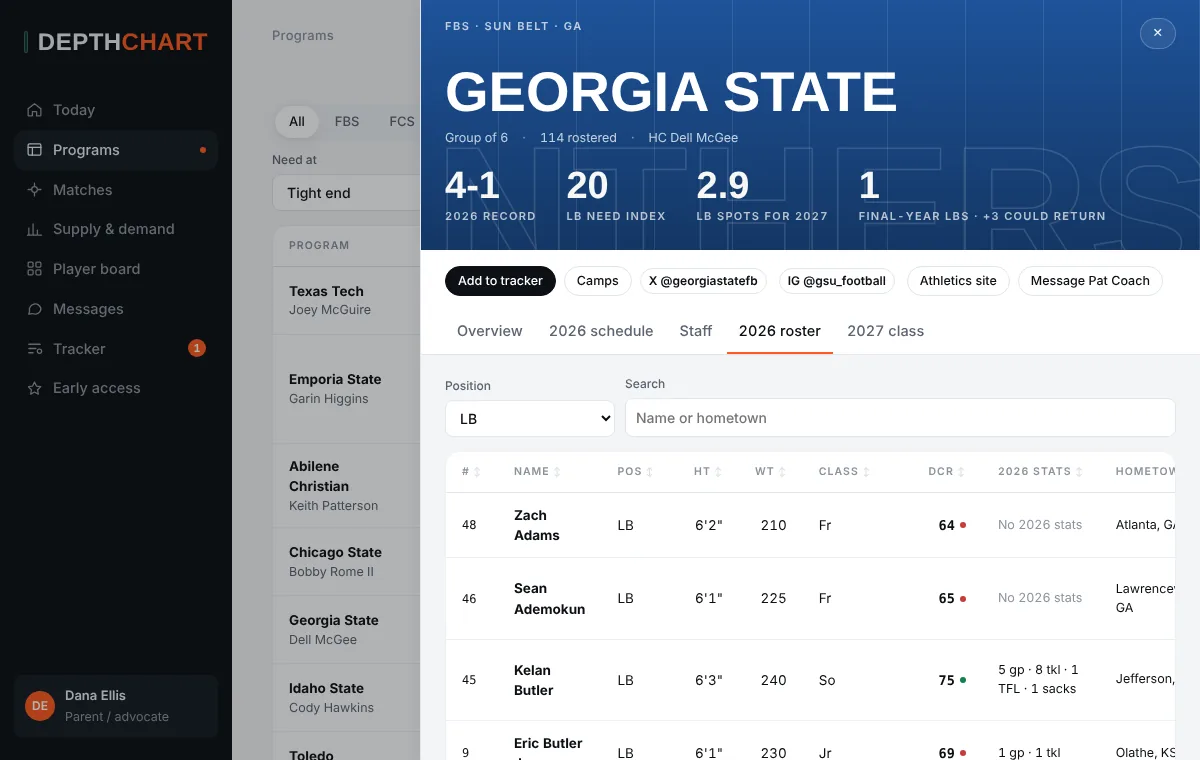
Every player with class, a final-year or could-return flag, this season's box-score stats and a Depth Chart Rating with its confidence.
STEP 04
Find talent.
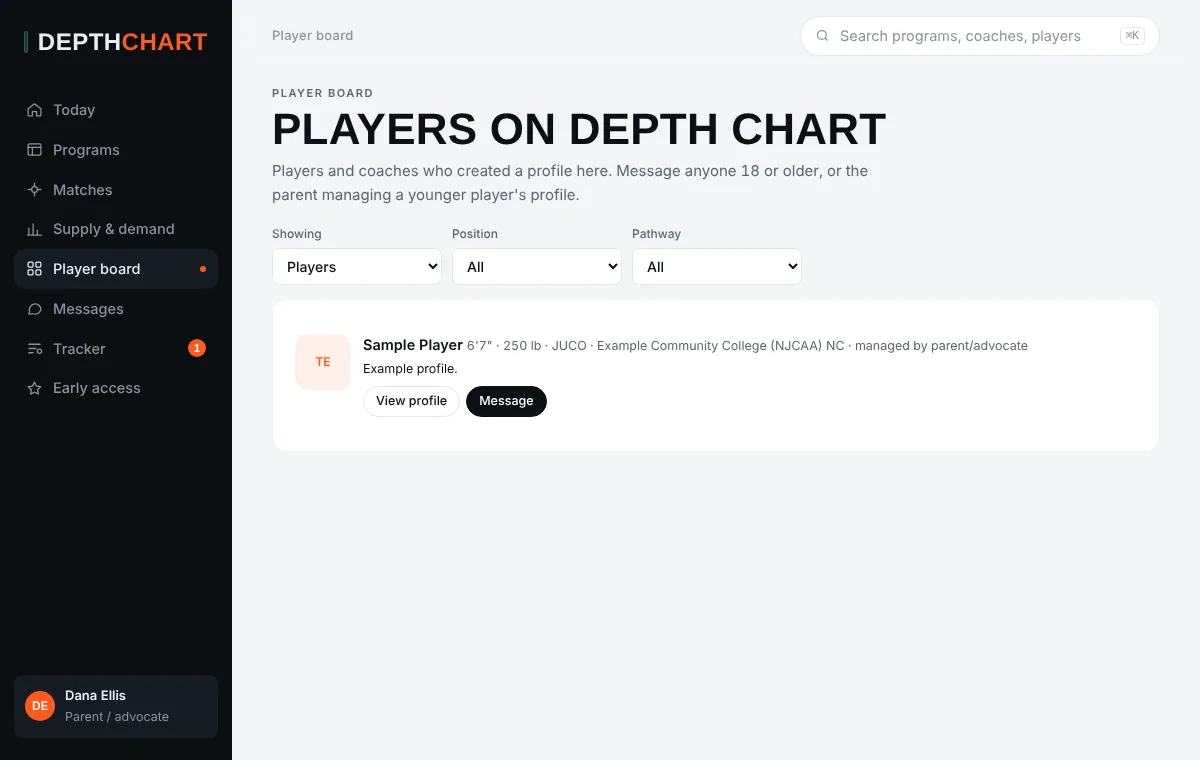
The Player Board filters by position and path, and shows each player's projection and size against your room.
STEP 05
Run your board.
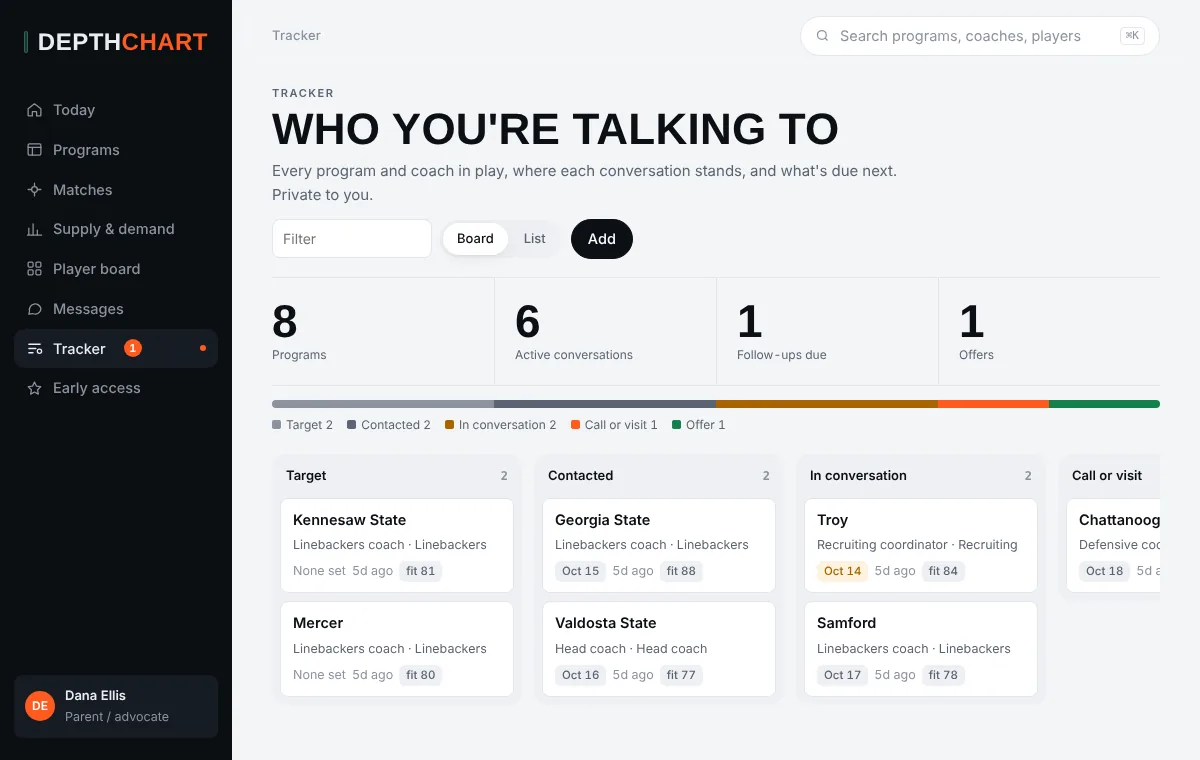
Move prospects from Target to Offer in the Tracker, with a follow-up date on each.
Three ways staffs use it
Portal prep
Supply and demand flags overstocked rooms at other programs, where the next portal entrants are likeliest.
Path intel
How programs at your level filled each position in 2026: high school, D-I transfer or JUCO.
Your listing
Recruits find your staff, questionnaire and camps here. Check that they match your athletics site.
Players see when a signed-in coach views their page.
Contact calendars are yours to follow. Depth Chart doesn't enforce NCAA recruiting periods.
Ratings use box scores, so linemen and cornerbacks are the least precise. Each rating shows its confidence.